How to Turn a Long Video into Shorts (by Hand and with AI)
The complete method to cut a long video into Shorts, Reels and TikToks: finding the moments, cutting, vertical reframing, captions, export. By hand or with AI.
Looking for an AI clip maker or an OpusClip alternative? Pricing, free plan, real resolution, clip quality, captions, limits, plus a 15-minute test.
There are dozens of AI clip makers, and their home pages all say the same thing: one long video in, ten viral clips out. If you are choosing one, or looking for an alternative to the tool you use (OpusClip, Klap, Vizard, CapCut and others), the differences that matter are rarely on the home page.
Here are the nine things we would check before paying, including on Clipfox, and a 15-minute test that tells you more than any comparison article.
AI clip makers price in three ways: minutes of source video, credits (which may convert to minutes, clips or features at different rates), or number of clips or exports. None is better in itself; what matters is converting each plan to your real usage.
Do the math with your own numbers: how many hours of video do you publish per month, and how many clips do you want from each? Clipfox counts minutes of source video: one minute sent equals one minute of quota, whatever the number of clips. Ten clips cost the same as three.
Ask two questions: is a failed analysis charged, and does re-running the same video with other settings cost again? On Clipfox, a failed analysis is not counted, and a re-run of the same source within 24 hours is free. Without those rules, every experiment with settings costs you minutes.
A free plan exists to let you test on your own videos. Check four things: the monthly quota, the export resolution, the watermark, and whether an account is required. Clipfox's free plan: 30 minutes a month, 720p, a small logo, with a free account (Google or email code). That is enough to judge the clip selection, which is the real question.
This is the most misunderstood point. A vertical clip cut from a landscape video uses only a slice of the image. We measured it:
The exported file can be 1080×1920 in every case, but only the 4K source fills it with real detail. Be wary of "4K clips" promised without mentioning the source. Clipfox caps exports at 720p (free), 1080p (Creator) and up to 4K (Pro), never above what your video contains.
The whole value of the tool is choosing well. On your test video, check:
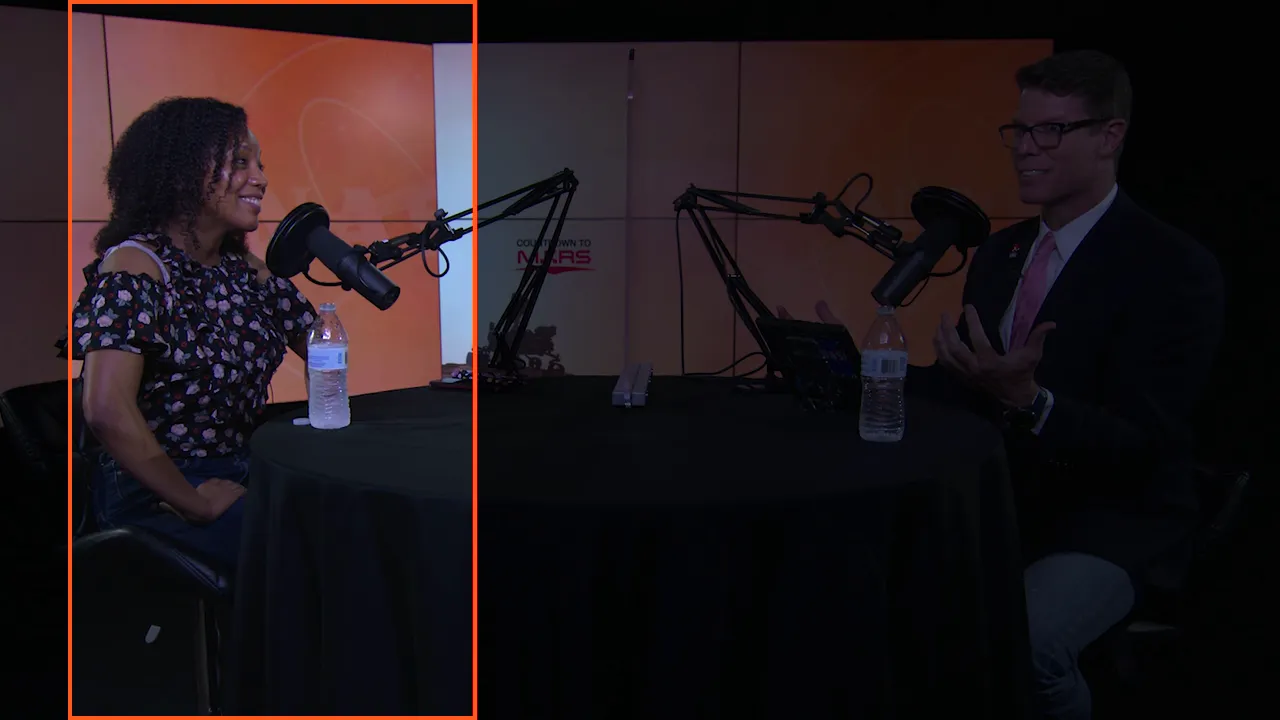
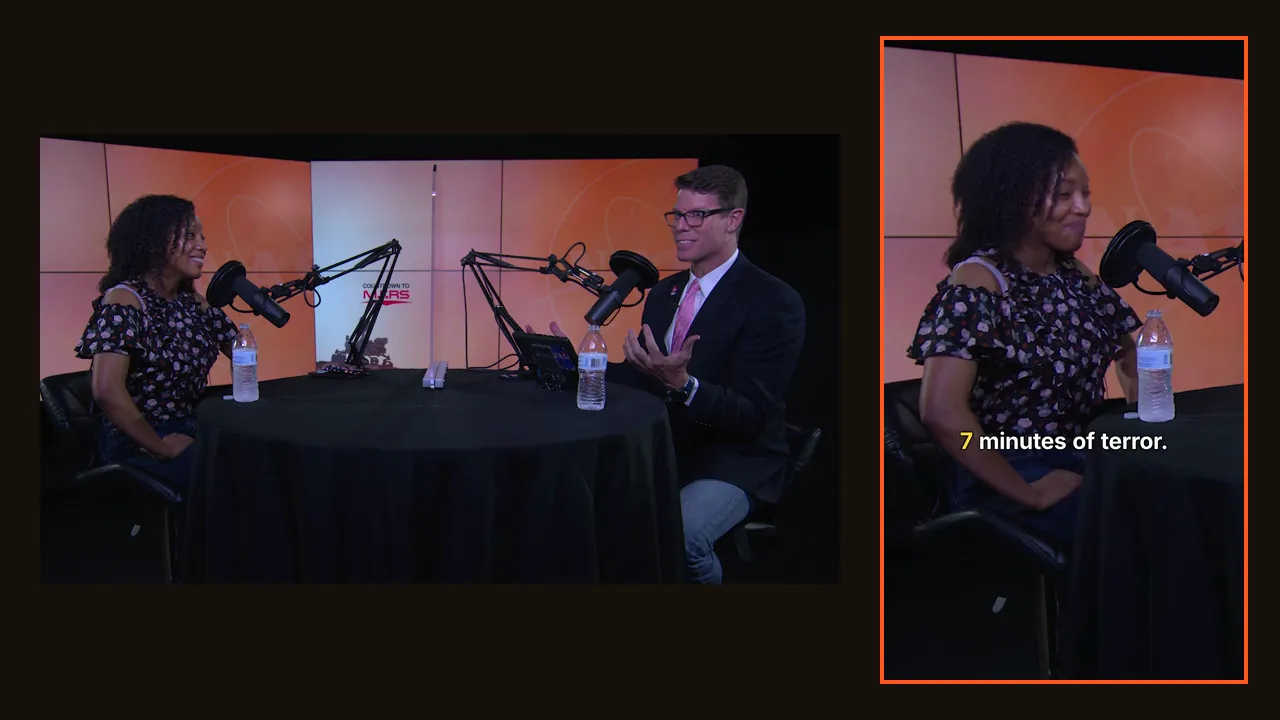
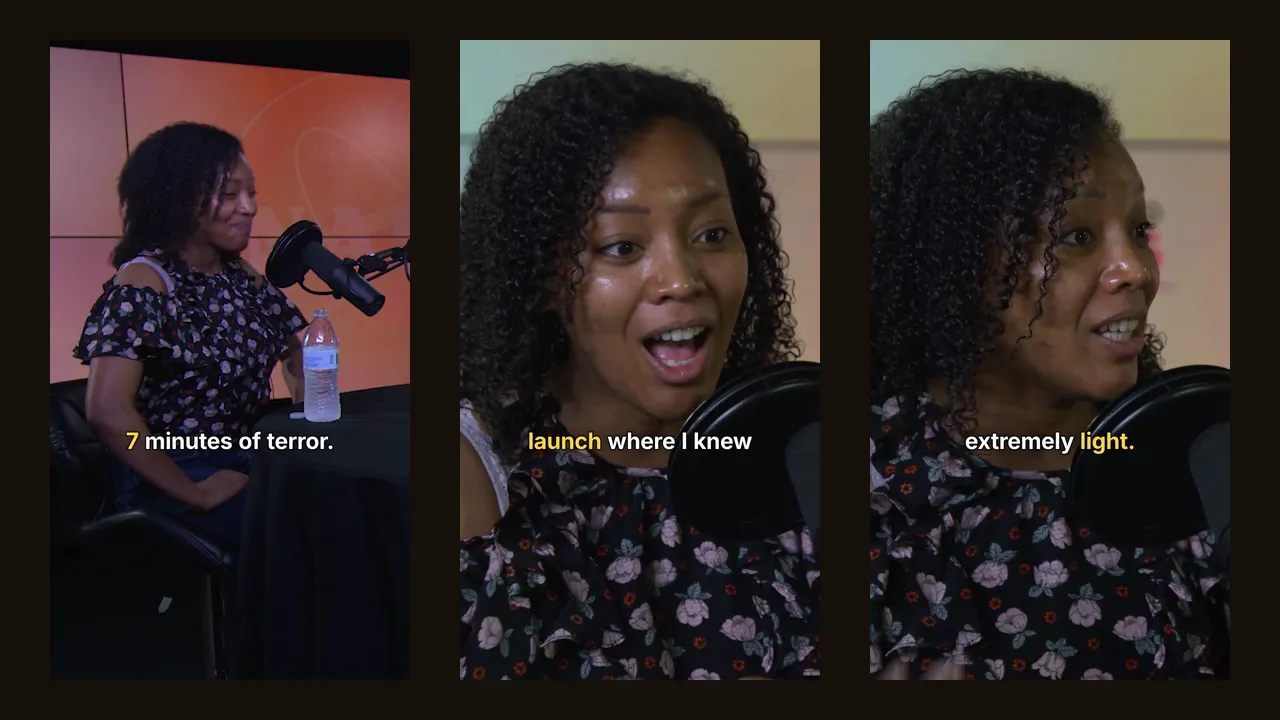
On a vertical clip, the tool must keep the speaker in frame and follow the person talking when there are several. Look at a two-person segment: does the frame switch to whoever speaks, or stay stuck in the middle of the table?
Check that captions are burned into the video, readable on a phone, placed away from the platform's buttons, and accurate on names and jargon. Several styles help match your brand.
Are your videos used to train AI models? How long are they kept? Who processes them? Read the privacy policy before uploading client content. Clipfox does not use your videos to train AI models and does not publish them; details in our privacy policy.
Comparison articles can't tell you how a tool handles your voice, your topic and your camera. This test can:
The tool with the most usable clips per dollar wins, whatever its home page says.
To see what this looks like with real numbers, read how many clips you get from a long video. For the full manual and AI workflow, see how to turn a long video into Shorts.
Run the test on Clipfox: 30 free minutes every month with a free account. Plans are on the pricing page.
The complete method to cut a long video into Shorts, Reels and TikToks: finding the moments, cutting, vertical reframing, captions, export. By hand or with AI.
We ran a 14-minute podcast and a 29-minute live show through Clipfox. Number of clips, their length, processing time and real resolution, measured.