What TikTok Video Length Works for Retention?
Try 20–30 seconds as a first TikTok retention test, then compare similar cuts and use completion, watch time, and drop-off patterns to guide edits.
Learn what 9:16 means, why 1080 × 1920 is only one pixel size, and how cropping landscape footage affects detail in a vertical export.
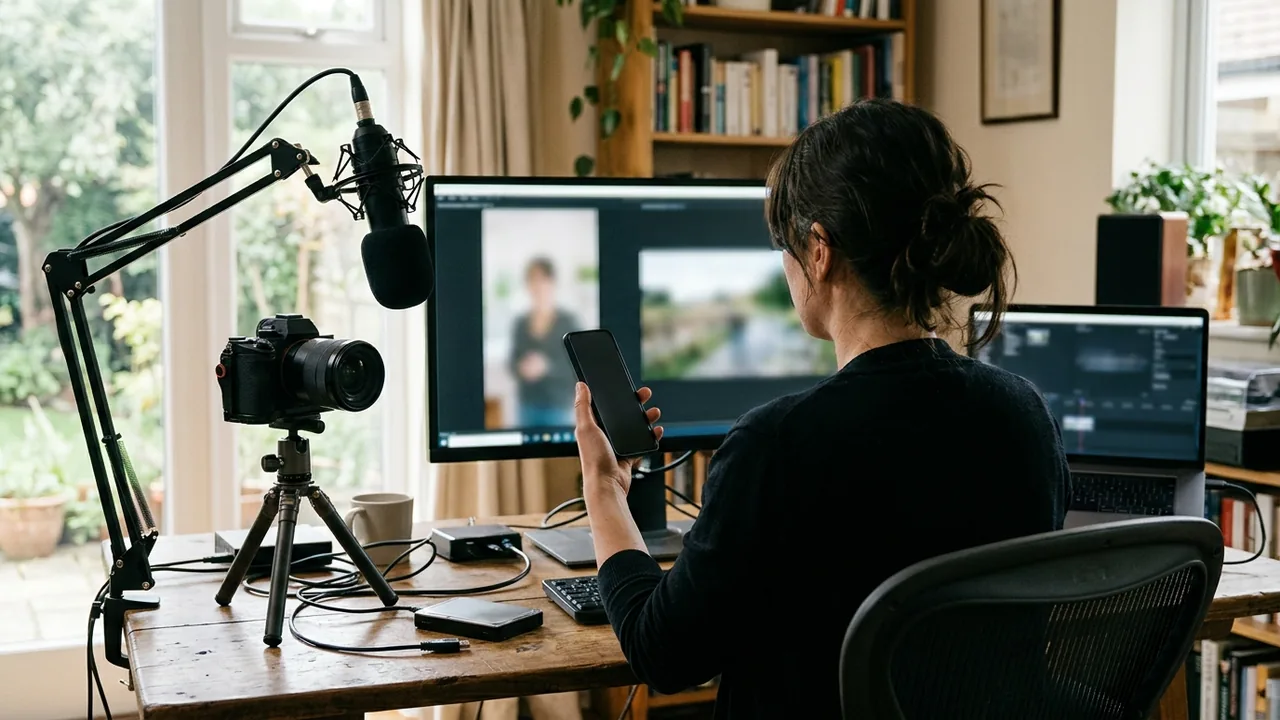
A 9:16 vertical video has a width-to-height ratio of 9:16. A common Full HD pixel size is 1080 × 1920, but any dimensions in that same proportion are also 9:16; the pixel dimensions describe resolution, not the ratio itself.
The first number in an aspect ratio is the width; the second is the height. For 9:16, the width is 9 parts and the height is 16 parts, so the frame is taller than it is wide.
To check a pair of dimensions, divide the width by the height. For a 9:16 frame, the result is 9 ÷ 16, or 0.5625. You can also compare the dimensions directly: the height should be 16/9 times the width.
Multiplying both parts of the ratio by the same factor keeps the proportions unchanged. For example, 9 × 60 by 16 × 60 gives 540 × 960. Doubling those dimensions gives 1080 × 1920, which has the same shape. Reducing or enlarging both values together changes the pixel count, not the aspect ratio.
A pixel size tells you how many pixels make up the width and height of a video. That is a separate measurement from the relationship between those dimensions. The 1080 × 1920 example is a common Full HD size for a 9:16 frame, not a definition of the ratio.
A video can use a different number of pixels and still have the same proportions. Conversely, two files with the same 9:16 ratio can have different levels of detail because their pixel dimensions differ. The ratio tells you the frame’s shape; it does not, by itself, tell you how much detail the image contains.
This distinction matters when setting up a canvas and when checking an existing file. A vertical canvas can be 9:16 even if it is not 1080 × 1920. And seeing 1080 × 1920 in export settings tells you the output canvas dimensions, not necessarily how much detail the original footage provides.
A 16:9 landscape frame is much wider than a 9:16 vertical frame. To make a vertical crop from it, you use a narrow slice of the original picture rather than the full landscape image. That means much of the original width falls outside the vertical frame.
The crop width helps explain why the exported dimensions can be misleading. From a 1080p 16:9 source, the 9:16 slice is 607 px wide. From a 720p source, it is 405 px wide. An export can still measure 1080 × 1920 pixels, but the detail in the picture comes from that narrower slice of the source—not from a full 1080-pixel-wide section of the original image.
Clipfox is one example of a tool that reframes an existing video into a vertical crop. The crop’s source detail still depends on the original footage: the measurement is that only a 4K source gives a vertical clip with full 1080 detail. Enlarging a smaller crop to fill a 1080 × 1920 canvas does not restore detail that was not present in the source slice.
The crop also changes what is visible, not just the pixel count. A speaker or other important subject near the edge of the landscape picture may fall outside the vertical frame.
First, confirm the canvas width and height in your editing or export settings. Divide the width by the height; a result of 0.5625 verifies a 9:16 frame. You can also simplify the dimensions as a ratio and check that they reduce to 9:16.
Then inspect the actual crop, not just the canvas values. Make sure the speaker, product, or other key picture content fits inside the vertical frame, and check that it remains visible through the section you plan to use. This is especially important when reframing footage that was originally shot wide.
Finally, consider the source resolution as well as the export size. If the picture looks soft after cropping, a larger output canvas alone will not add source detail. For a general overview of vertical video proportions, you can also read this guide to vertical video aspect ratios.
The Clipfox team · facts checked on October 24, 2026

Try 20–30 seconds as a first TikTok retention test, then compare similar cuts and use completion, watch time, and drop-off patterns to guide edits.

A repeatable workflow for accurate, easy-to-read short-video captions: fix the transcript, shape phrases, check contrast and placement, then review the export.
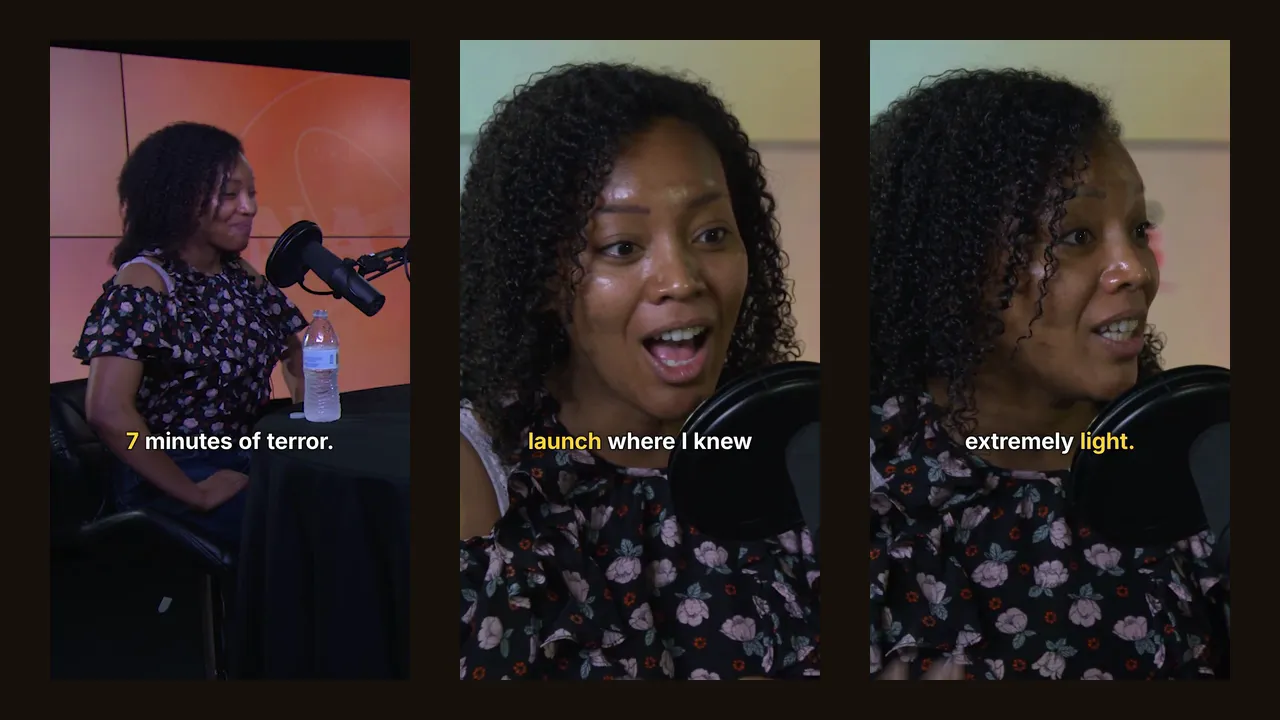
We ran a 14-minute podcast and a 29-minute live show through Clipfox. Number of clips, their length, processing time and real resolution, measured.