How to Turn a Long Video into Shorts (by Hand and with AI)
The complete method to cut a long video into Shorts, Reels and TikToks: finding the moments, cutting, vertical reframing, captions, export. By hand or with AI.
We ran a 14-minute podcast and a 29-minute live show through Clipfox. Number of clips, their length, processing time and real resolution, measured.
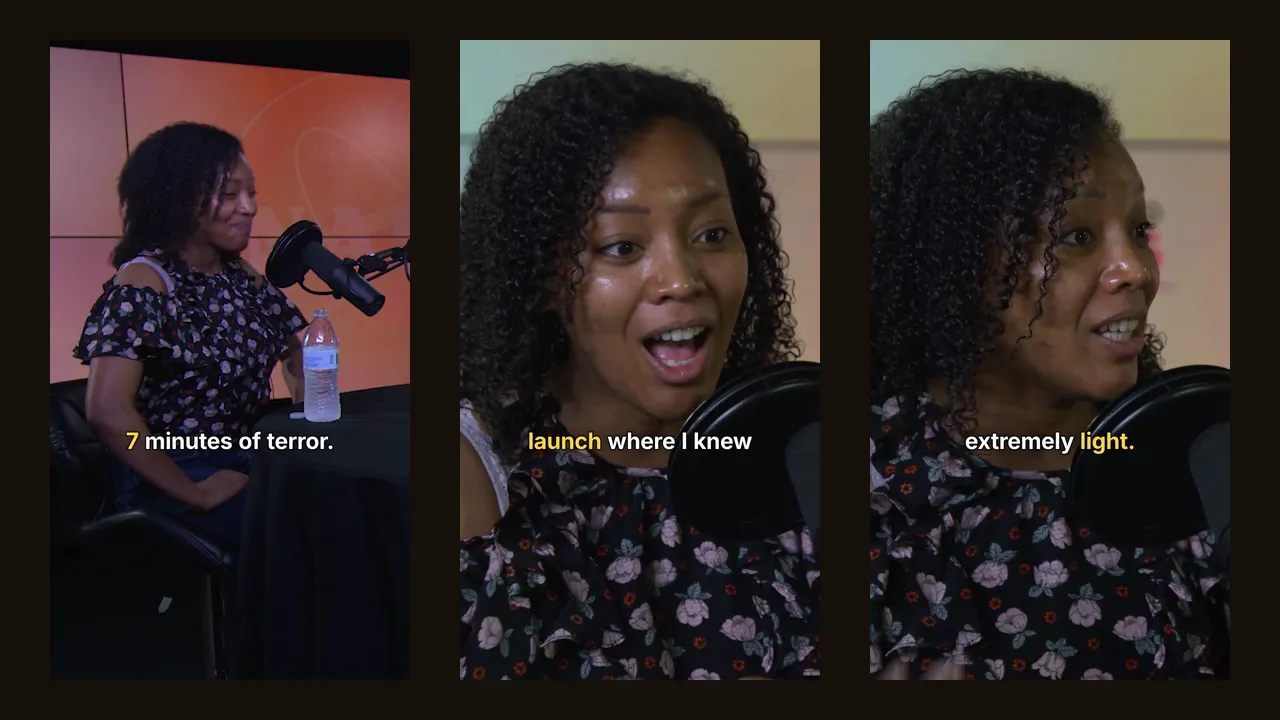
Every AI clip tool promises "10 viral clips from one long video". None of them shows what actually comes out: how many clips, how long, from where in the video, in how much time, and at what real sharpness. So we measured it on Clipfox, with real files, and we are publishing the numbers, including the ones that are less flattering.
We used two public-domain NASA recordings, chosen because they look like what creators actually send: people talking, not a showreel.
| Video A: podcast | Video B: live show | |
|---|---|---|
| Format | Studio podcast, one guest at a table | Live science show: host, experts, astronaut interview |
| Length | 14 min 16 s | 29 min 00 s |
| Resolution | 1920×1080, 59.94 fps | 1280×720, 30 fps |
| Clips requested | 10 | 10 |
| Format requested | Vertical 9:16 | Vertical 9:16 |
Both were uploaded as files and analysed with the "most engaging moments" goal, without any instruction to the AI.
Both videos returned exactly ten clips. Each one started and ended on a complete sentence, and each came with a title written from what was said:
These are usable as on-screen hooks or post captions with little or no rewriting.
| Video A | Video B | |
|---|---|---|
| Shortest clip | 17.5 s | 21.3 s |
| Longest clip | 67.6 s | 80.2 s |
| Median | 26.1 s | 26.6 s |
| Clips under 30 s | 7 | 7 |
| Clips over 60 s | 3 | 3 |
| Total duration of the 10 clips | 6 min 07 s | 6 min 34 s |
| Share of the source | 43 % | 23 % |
The lengths are not spread evenly. On both videos, seven clips were short (17 to 30 seconds), a single idea in one breath, and three were long (60 to 80 seconds), a full explanation with a setup and a conclusion. That suits the platforms: the short ones for TikTok and Reels, the long ones for YouTube Shorts (which accepts up to 3 minutes) or LinkedIn.
If you only want short clips, set a maximum length (15, 30, 45 or 60 seconds) before you start.
A common worry is that an AI reads the first minutes carefully and skims the rest. On video B, the ten clips started at 1:36, 3:13, 3:50, 9:07, 13:22, 15:10, 16:37, 25:11, 26:10 and 26:57. Three of the ten, including one of the two highest-scored, came from the last five minutes. On video A, clips came from minute 0:21 to minute 12:47 of a 14-minute episode.
We re-ran video A with Clipfox's default settings: 3 clips, captions burned in. The three moments chosen were the same three the ten-clip run had ranked first (the Mars helicopter, the launch, the landing), but the cut points changed. The launch moment, for example, became a 60.5-second clip instead of 19.1 seconds, because with fewer clips the AI kept more context around it.
Practical takeaway: ask for the number you actually want to post. A ten-clip run gives you variety; a three-clip run gives you the strongest moments with more room to breathe.
| Step | Video A (14 min) | Video B (29 min) |
|---|---|---|
| Upload of the file | 3 s (local test) | 2 s (local test) |
| Analysis and selection | 13 min 24 s | 8 min 53 s |
| Producing the 10 clip files | 1 min 50 s | about 1 min |
| Re-run of A with 3 captioned clips | 3 min 51 s | — |
Two things stand out. First, a longer video did not take longer: the 29-minute 720p show was analysed faster than the 14-minute 1080p, 60 fps podcast. The most likely reason is the image work (finding the speaker in every frame to reframe it), which grows with pixels and frames, not just minutes. Second, a re-run of the same source was much faster, most likely because the transcript already existed. That is also why a re-run within 24 hours costs no minutes on Clipfox.
Upload time in real life depends on your connection: a 1.1 GB file like video A takes about 15 minutes at 10 Mbit/s up. Pasting a link avoids the upload entirely.
This is where most tools stay vague, so here are the numbers.
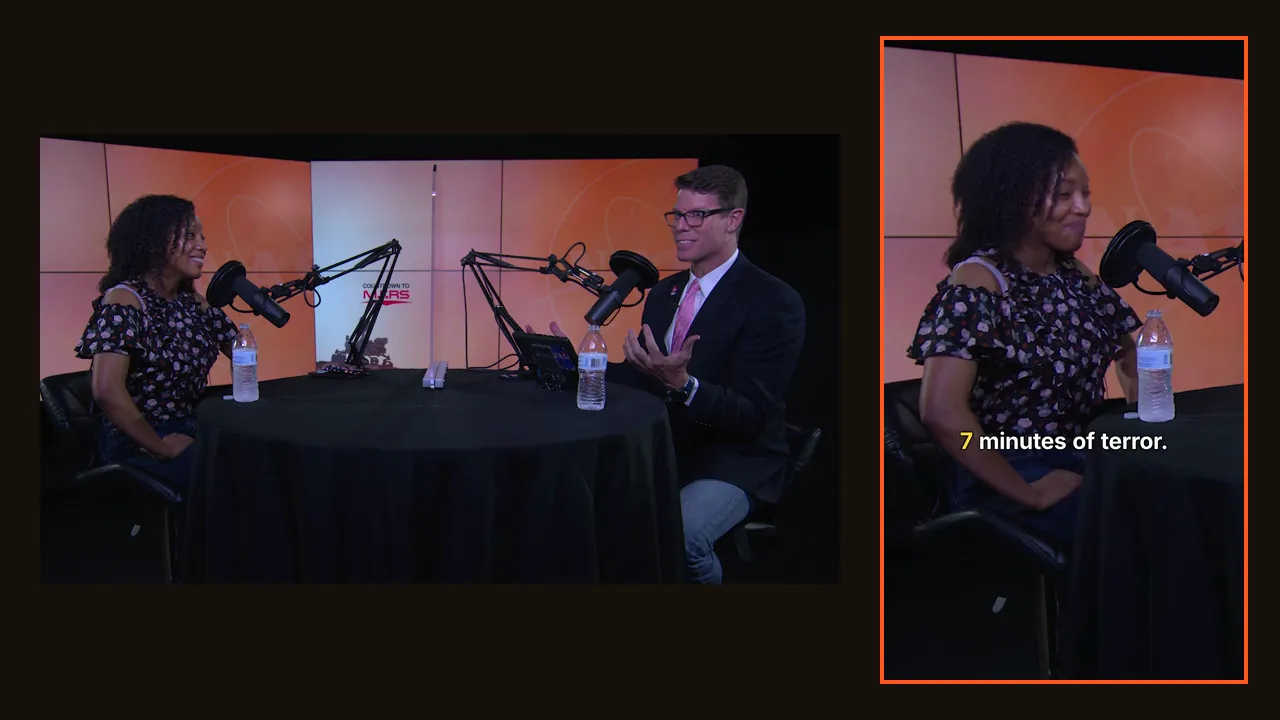
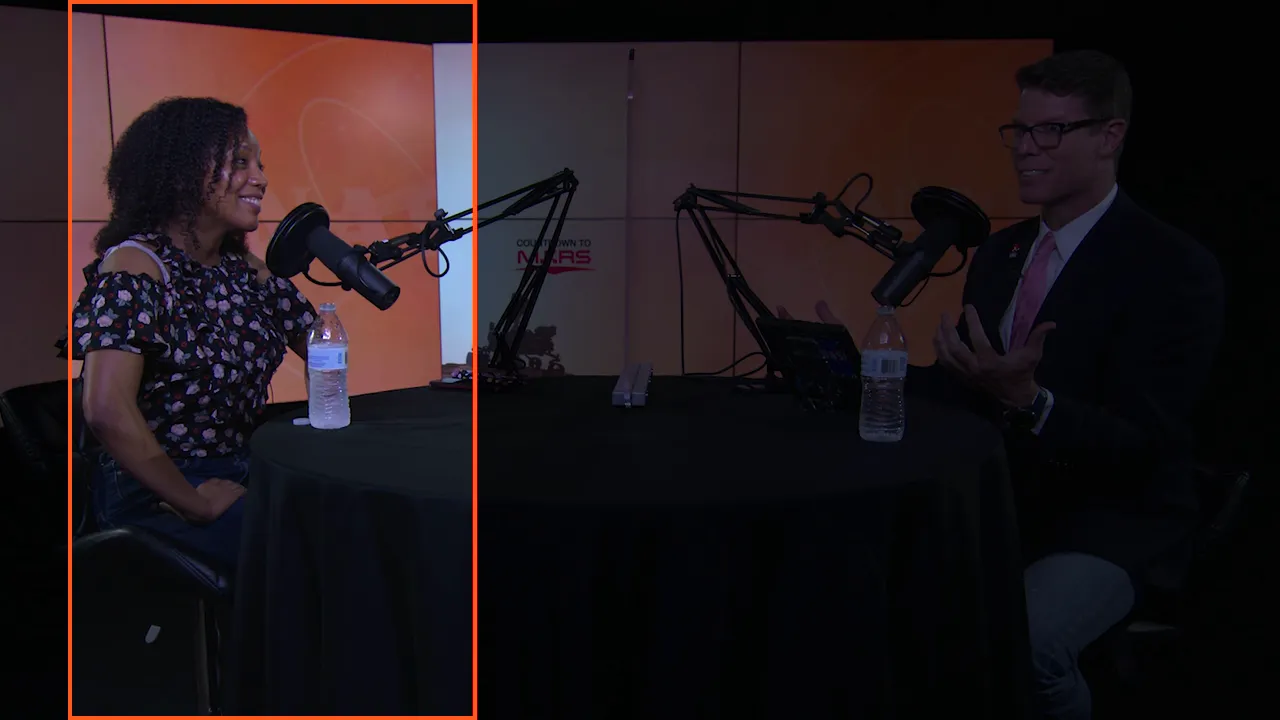
A vertical 9:16 clip cut from a landscape 16:9 video uses only a slice of the image. Clipfox reported the real width of that slice:
The files we downloaded were 1080×1920 in both cases, but the detail inside them comes from those slices. On a phone screen, video A's clips look clean; video B's are softer, as you'd expect from a webcam-quality source.
Two consequences:
Clipfox counts the length of the video you send, not the number of clips. Video A used 15 minutes (14:16 rounded up to the started minute), video B 29 minutes. The ten clips cost the same as three. On the free plan's 30 monthly minutes, you could run video A twice, or video B once.
For the full step-by-step method, by hand and with AI, read how to turn a long video into Shorts. If you are comparing tools, read what to check before choosing an AI clip maker.
Tests run on 6 October 2026 on Clipfox's production engine. Source videos: Rocket Ranch podcast episode with Dr. Moogega Cooper (NASA Kennedy Space Center) and NASA Science Live: A World of Fires (NASA Goddard), both public domain, obtained from the NASA Image and Video Library. NASA does not endorse Clipfox. Times are wall-clock times measured by our script; your times will vary with the queue and the length of your video.
Try it on your own long video: 30 free minutes every month with a free account.
The complete method to cut a long video into Shorts, Reels and TikToks: finding the moments, cutting, vertical reframing, captions, export. By hand or with AI.
Looking for an AI clip maker or an OpusClip alternative? Pricing, free plan, real resolution, clip quality, captions, limits, plus a 15-minute test.