Two-Person Podcast Clips: Keep Both Hosts in a Vertical Frame
Two hosts at one table, one wide camera? Turn the episode into vertical clips that keep both faces when they fit and follow the speaker when they don't.
Use cases
Podcasts, streams, YouTube videos, webinars: one long recording, many short clips.
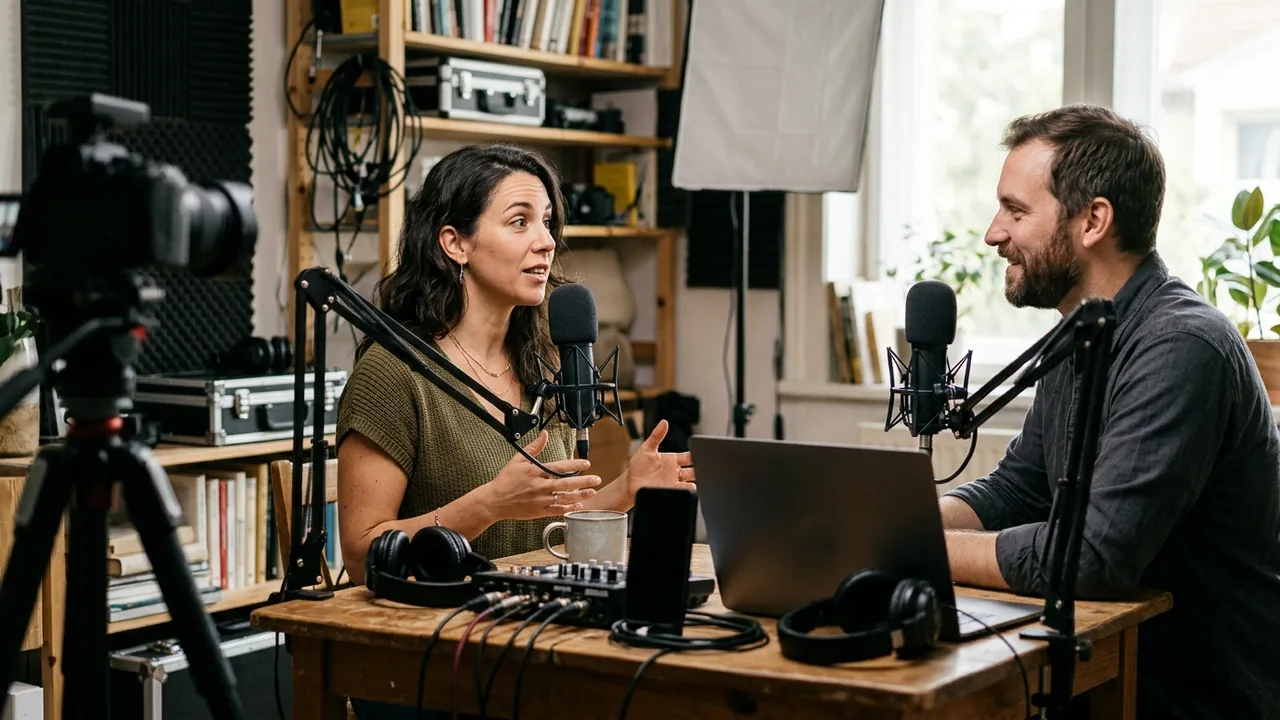
Two hosts at one table, one wide camera? Turn the episode into vertical clips that keep both faces when they fit and follow the speaker when they don't.
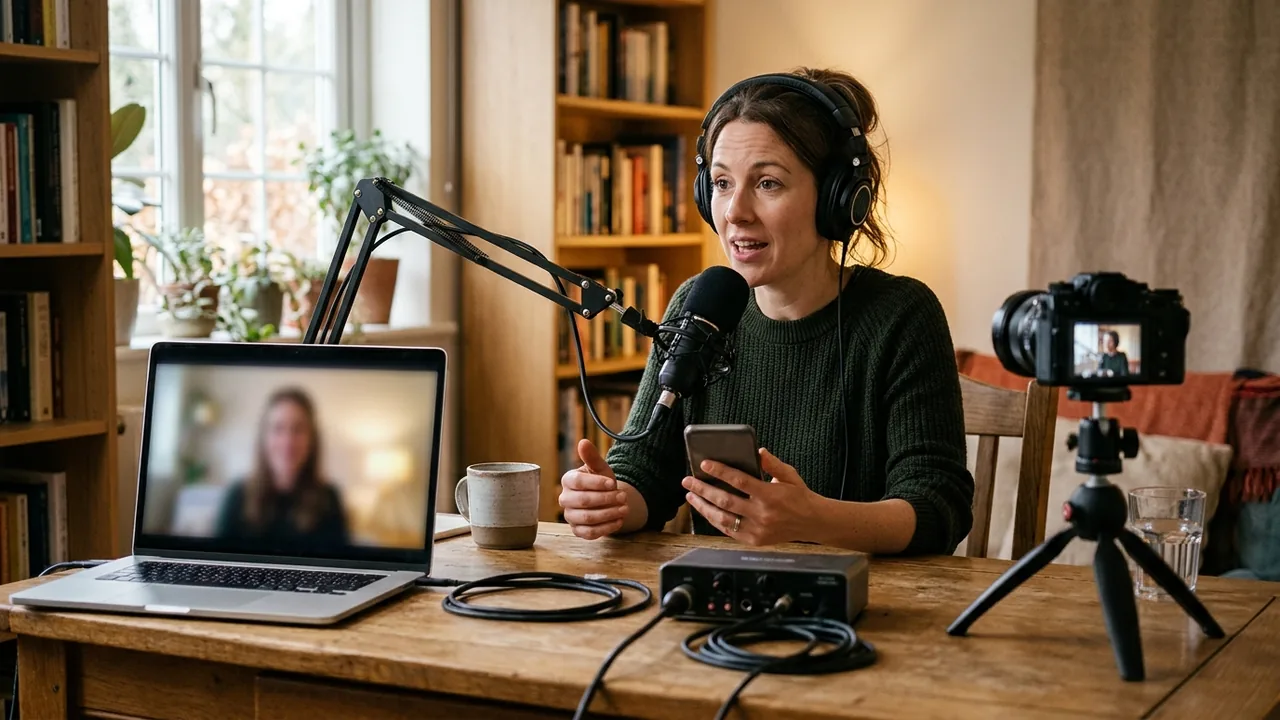
Recorded your podcast over a video call? Turn the side-by-side recording into vertical clips that frame whoever is speaking, with captions.
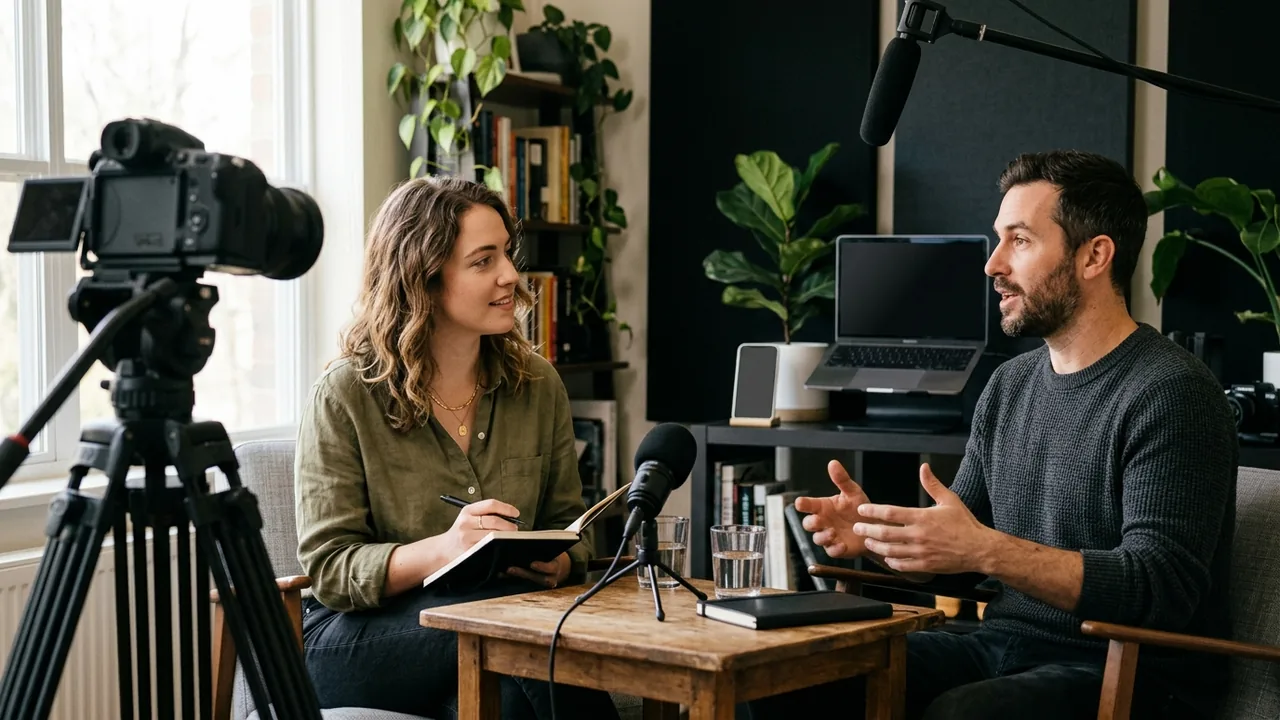
Turn a guest interview into short clips that make sense on their own: the guest's answer, the host's question when it matters, captions and a title.
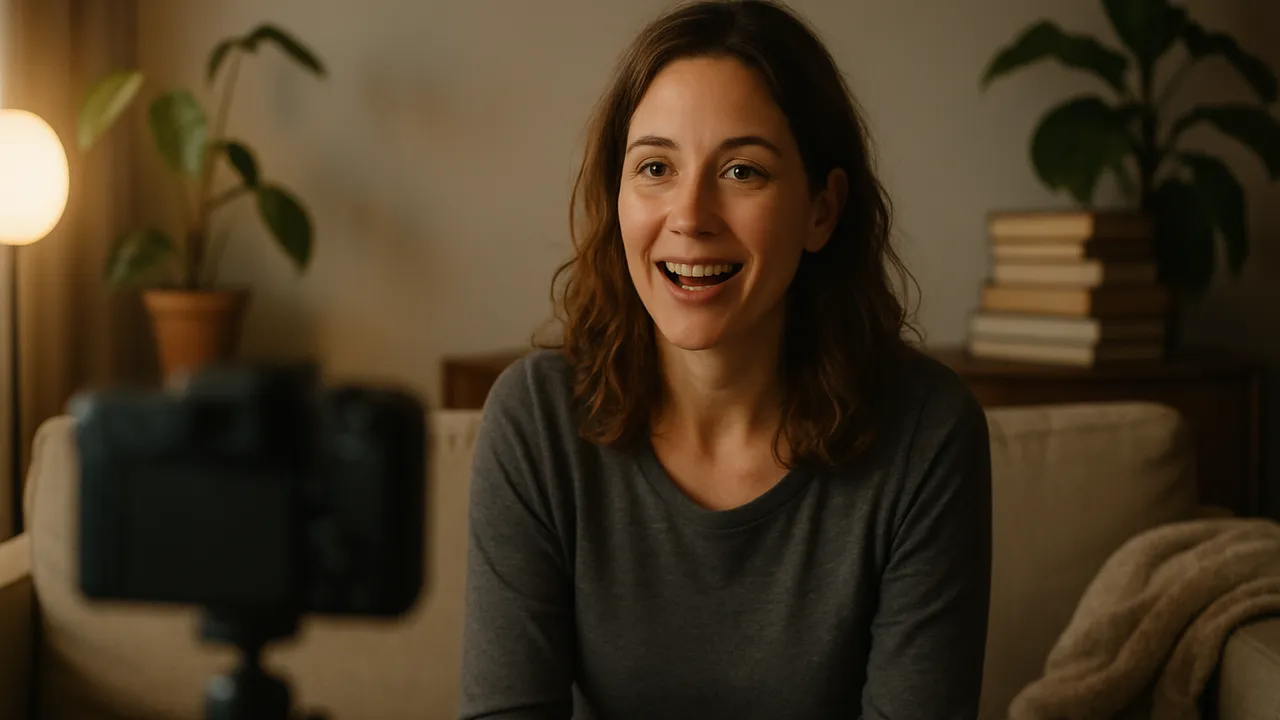
Paste the link of your long YouTube video and get several vertical Shorts with captions, chosen by AI. Faster than YouTube's one-clip editor.
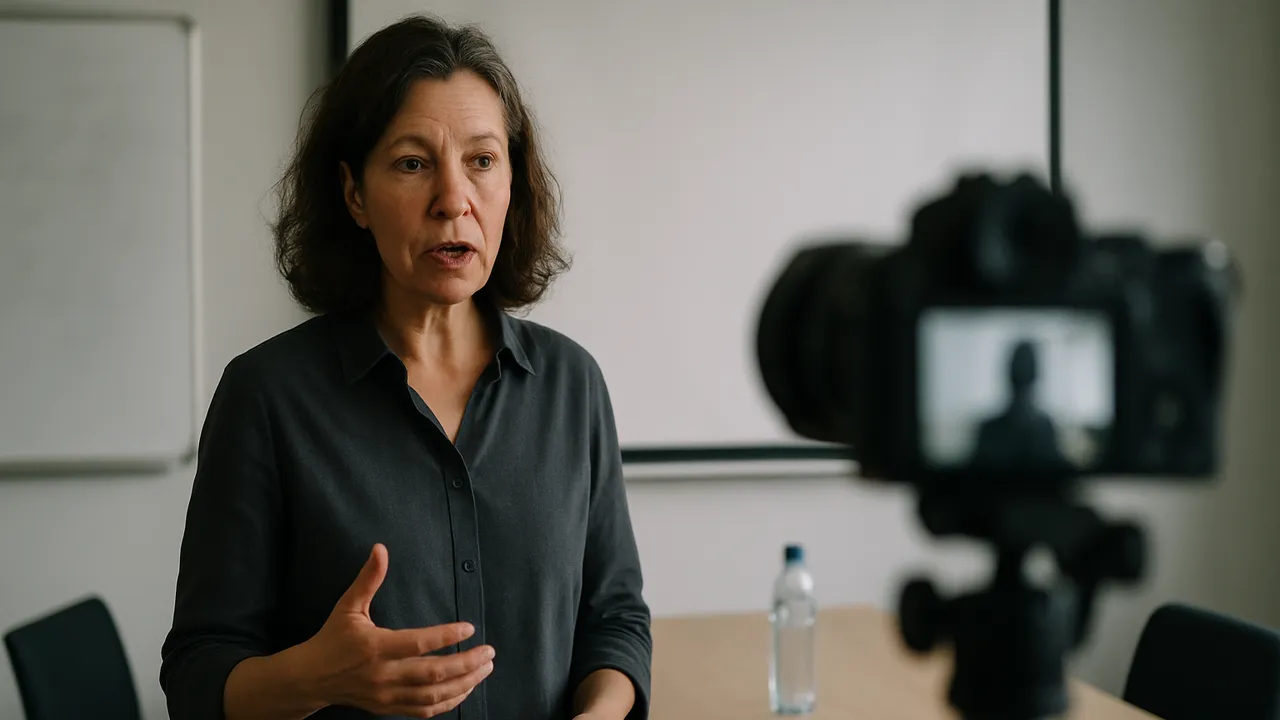
Turn a recorded webinar, live session or online course into short captioned clips. Real test — a 29-minute live show gave 10 clips.
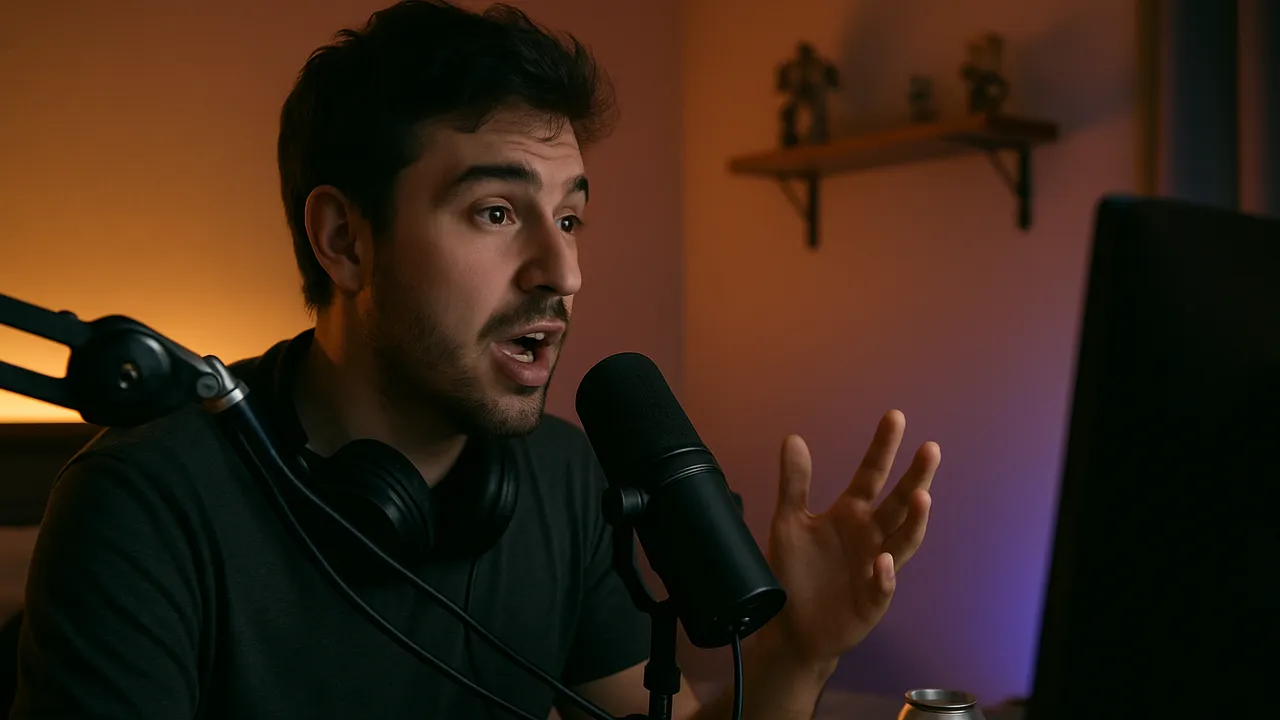
Paste a Twitch VOD link or upload your stream and get vertical, captioned clips of the moments where you talk. For TikTok, Shorts and Reels.
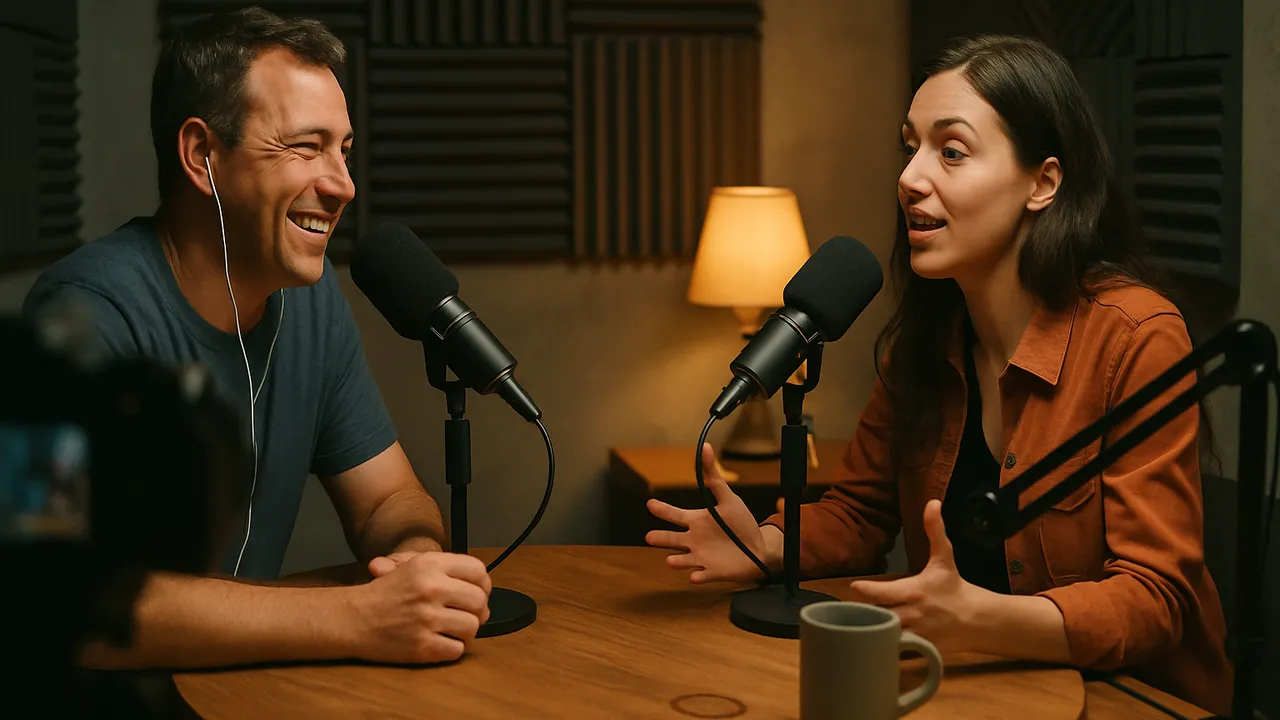
Turn a video podcast episode into vertical, captioned clips for TikTok, Reels and Shorts. Real test — a 14-minute episode gave 10 clips.