How Many Clips Can You Get from a Long Video? We Measured It
We ran a 14-minute podcast and a 29-minute live show through Clipfox. Number of clips, their length, processing time and real resolution, measured.
The complete method to cut a long video into Shorts, Reels and TikToks: finding the moments, cutting, vertical reframing, captions, export. By hand or with AI.
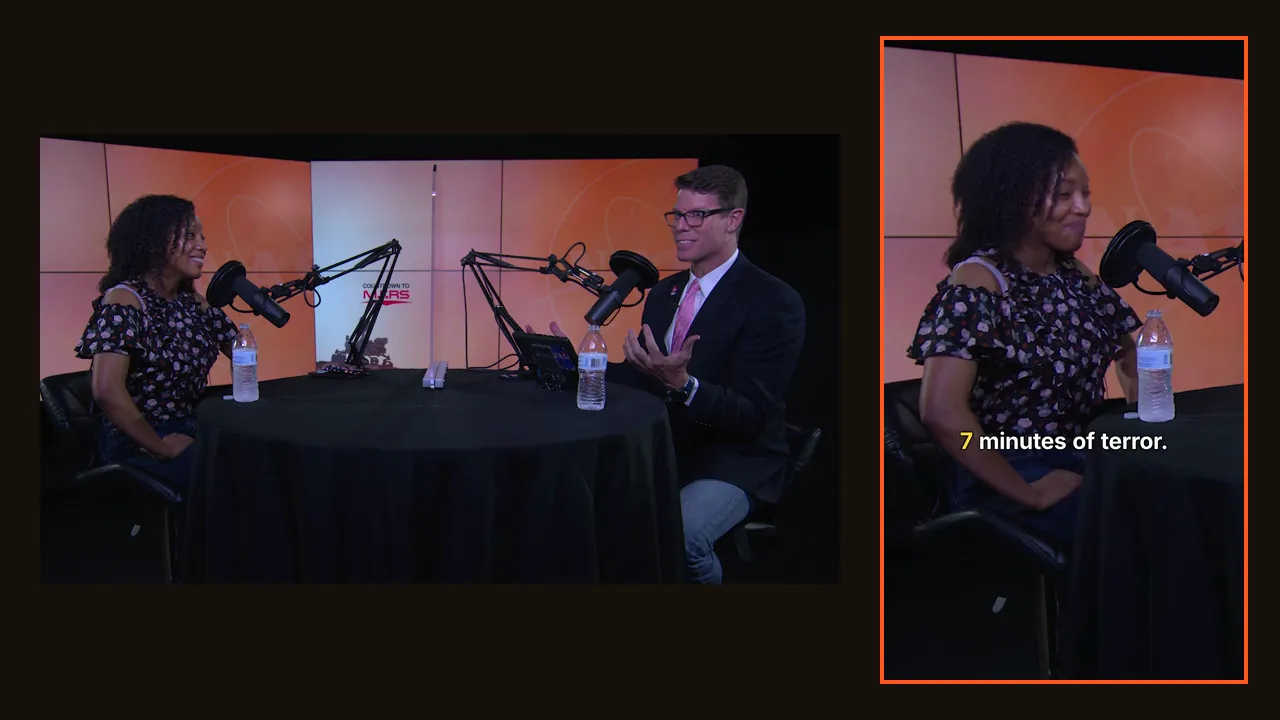
Turning a long video into Shorts looks like an editing job. It is mostly a selection job. Cutting, cropping and captioning take minutes once you know which 30 seconds deserve to exist on their own; finding those 30 seconds is what eats the evening.
This guide covers the whole process, step by step, first by hand, then with AI, with the numbers from our own tests on real videos.
Before touching an editor, know what you are looking for. A clip that works in a vertical feed has five traits:
The slow part. Three ways to do it faster than rewatching everything:
Start the clip on the first word of the hook, not on the breath before it. End right after the last word of the payoff. Remove the "so, um" at the start; keep the laugh at the end if there is one.
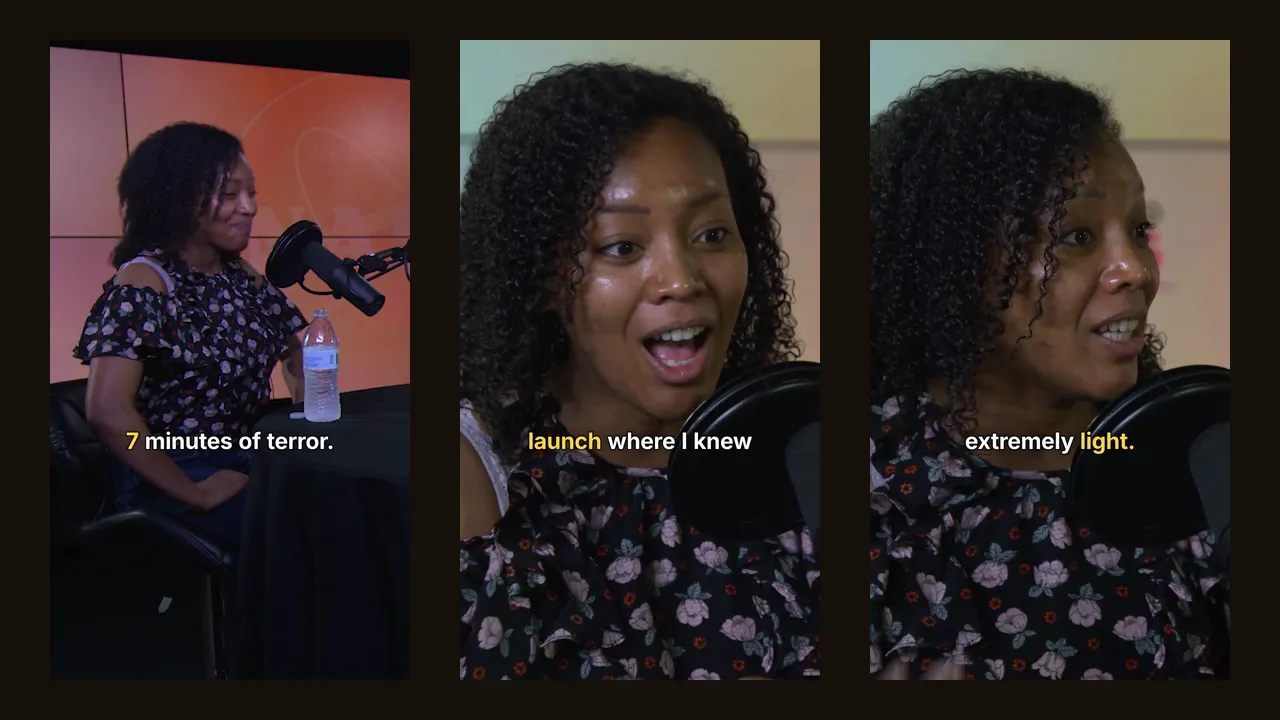
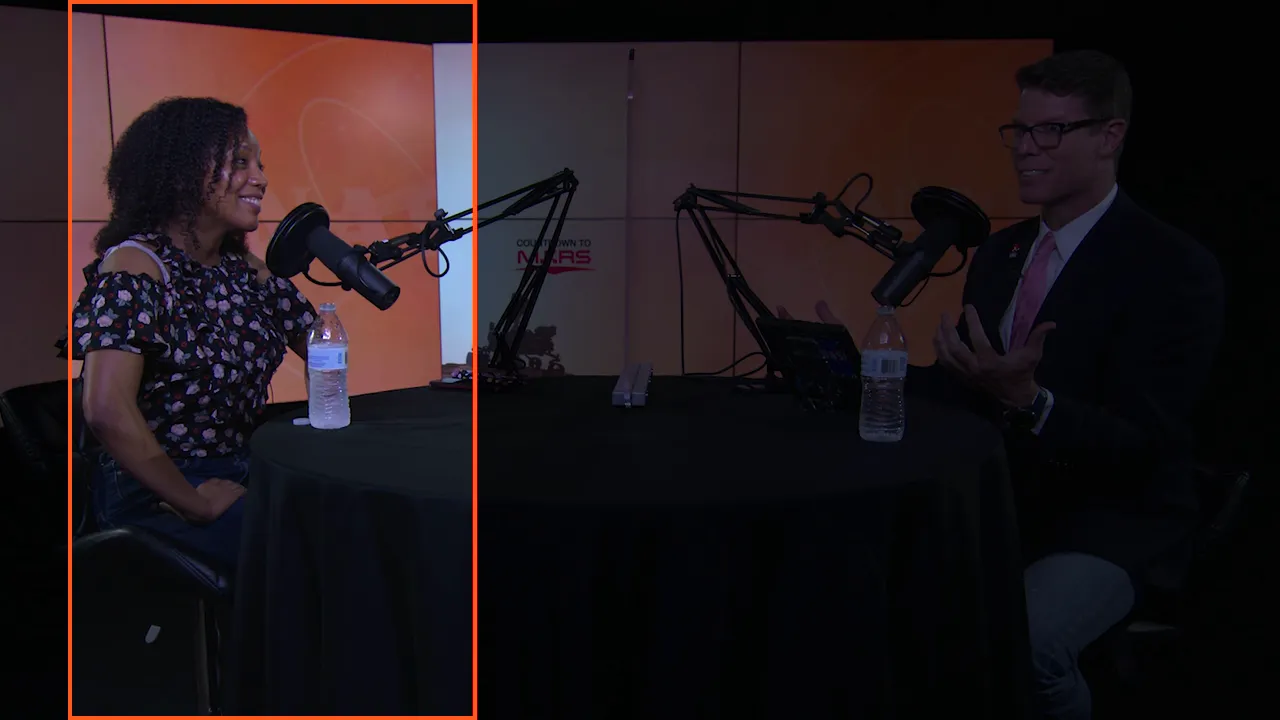
Crop the landscape image to a vertical 1080×1920 frame. Keep the speaker's eyes in the upper third, and leave room at the bottom and on the right, where TikTok, Reels and Shorts overlay their buttons and captions. If two people talk, either switch the crop to whoever speaks or use a split-screen with one person above the other.
A warning about sharpness: the vertical slice of a 1920×1080 landscape video is only 607 pixels wide. It will be scaled up to 1080 pixels on export. Filming in 4K gives you a 1215-pixel slice and visibly sharper Shorts.
Burn captions into the image rather than relying on auto-captions, which viewers often don't turn on. Two to five words at a time, large, high contrast, away from the platform's buttons. Highlighting the word being spoken helps people follow.
Export in H.264 MP4, 1080×1920, at the frame rate of your source. YouTube Shorts and Instagram Reels accept up to 3 minutes; that is a ceiling, not a target. On YouTube, link each Short to the full video so viewers can go from the clip to the episode.
AI tools automate step 1, which is the expensive one, and steps 2 to 4 with it. With Clipfox:
We measured it on two public-domain recordings (full results here):
| 14-min podcast (1080p) | 29-min live show (720p) | |
|---|---|---|
| Clips requested / obtained | 10 / 10 | 10 / 10 |
| Clip lengths | 17.5 to 67.6 s | 21.3 to 80.2 s |
| Analysis time | 13 min 24 s | 8 min 53 s |
| Real width of the vertical slice | 607 px | 405 px |
The AI did not ignore the end of the videos: on the 29-minute show, three clips came from the last five minutes.
A good middle ground: let the AI propose ten clips, keep the five you like, and polish those by hand if needed.
Next step: what to check before choosing an AI clip maker, or go straight to the use case that matches your videos: podcasts, YouTube videos, Twitch streams, webinars.
Turn your long video into Shorts with Clipfox: 30 free minutes every month with a free account.
We ran a 14-minute podcast and a 29-minute live show through Clipfox. Number of clips, their length, processing time and real resolution, measured.
Looking for an AI clip maker or an OpusClip alternative? Pricing, free plan, real resolution, clip quality, captions, limits, plus a 15-minute test.