Podcast to Clips with AI — Turn Every Episode into Shorts
Turn a video podcast episode into vertical, captioned clips for TikTok, Reels and Shorts. Real test — a 14-minute episode gave 10 clips.
On this page
A podcast episode is the most generous raw material you will ever record: an hour of people saying interesting things, already lit, already miked. The problem is that nobody discovers a podcast by watching the full hour. They discover it through a 30-second moment in their feed, and then they go looking for the episode.
Clipfox turns the episode into those moments. You send the video, it finds the passages that make sense on their own, reframes them vertically on whoever is talking, burns in the captions and gives you a title for each one.
What one real episode gave us
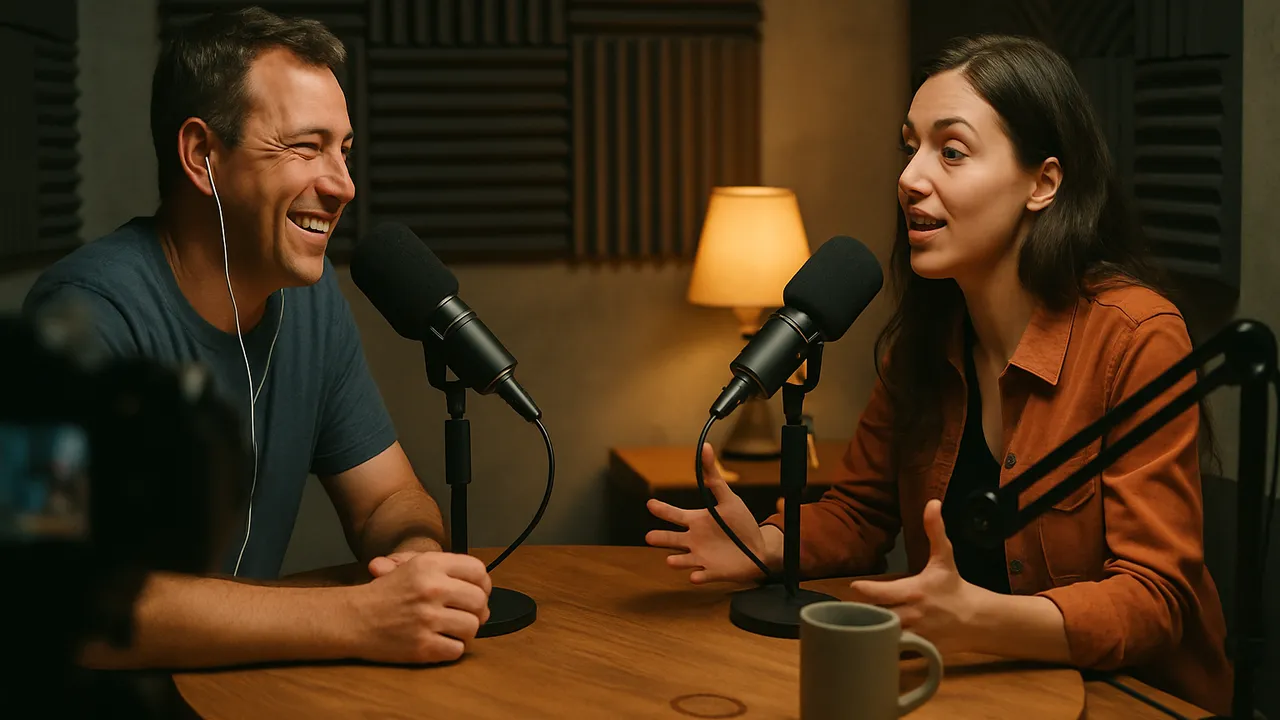
We ran a 14-minute, 16-second episode of a public-domain science podcast through Clipfox, filmed in 1920×1080 with a guest at a round table. We asked for ten clips.
- 10 clips came back, between 17.5 and 67.6 seconds long, 6 minutes 7 seconds in total.
- Each one started and ended on a full sentence, and each one had a usable title: How Do You Fly a Helicopter on Mars?, Seven Minutes of Terror — or Seven Minutes of Excitement?, How NASA Keeps Mars Clean.
- The clips came from all over the episode, from the second minute to the last.
The full breakdown, with a second test on a 29-minute live show, is in how many clips you get from a long video.
Why podcast clips work so well
Podcast conversations already contain the three things a short clip needs: a question, a turn, and an answer that lands. A good host sets up a moment; a good guest pays it off. The AI looks for exactly that structure in the transcript, which is why the clips feel complete instead of chopped.
The second reason is attention. Viewers scroll with the sound off, so a clip without captions loses most of them in the first second. Clipfox burns the words into the image, word by word, in a readable style.
How to clip a podcast episode
- Send the episode. Upload the video file, or paste the link if the episode is already on YouTube or Vimeo.
- Choose the format. Vertical 9:16 for TikTok, Reels and Shorts; square 1:1 for feeds where a guest and host should stay side by side.
- Pick how many clips. Start with three to review quickly, or ask for ten to plan a full week.
- Review and download. Each clip comes with a title and a score. Keep the ones that sound like your show.
Get more out of every episode
- Ask for a theme. In the options, give the AI a short instruction such as "only the parts about money" or "the funniest moments". It narrows the selection to what you need for a campaign.
- Point back to the episode. End each post with where to hear the full conversation. The clip is the trailer; the episode is the product.
- Spread them out. Ten clips from one episode can fill two weeks of posting while you record the next one.
Quality: what to expect
Your clips can never be sharper than the episode you send. A 1080p landscape recording reframed vertically uses a 607-pixel-wide slice of the original image; it looks clean on a phone, but if you film with a 4K camera, the vertical clips keep far more detail. Free accounts export in 720p with a small logo, Creator in 1080p and Pro up to 4K when the source has it. See pricing.
Podcasts that are filmed as webinars or live sessions behave a little differently; see webinar to clips.
Turn your next episode into clips — 30 free minutes every month with a free account.