Interview Podcast Clips: Keep the Question with the Answer
Turn a guest interview into short clips that make sense on their own: the guest's answer, the host's question when it matters, captions and a title.
On this page
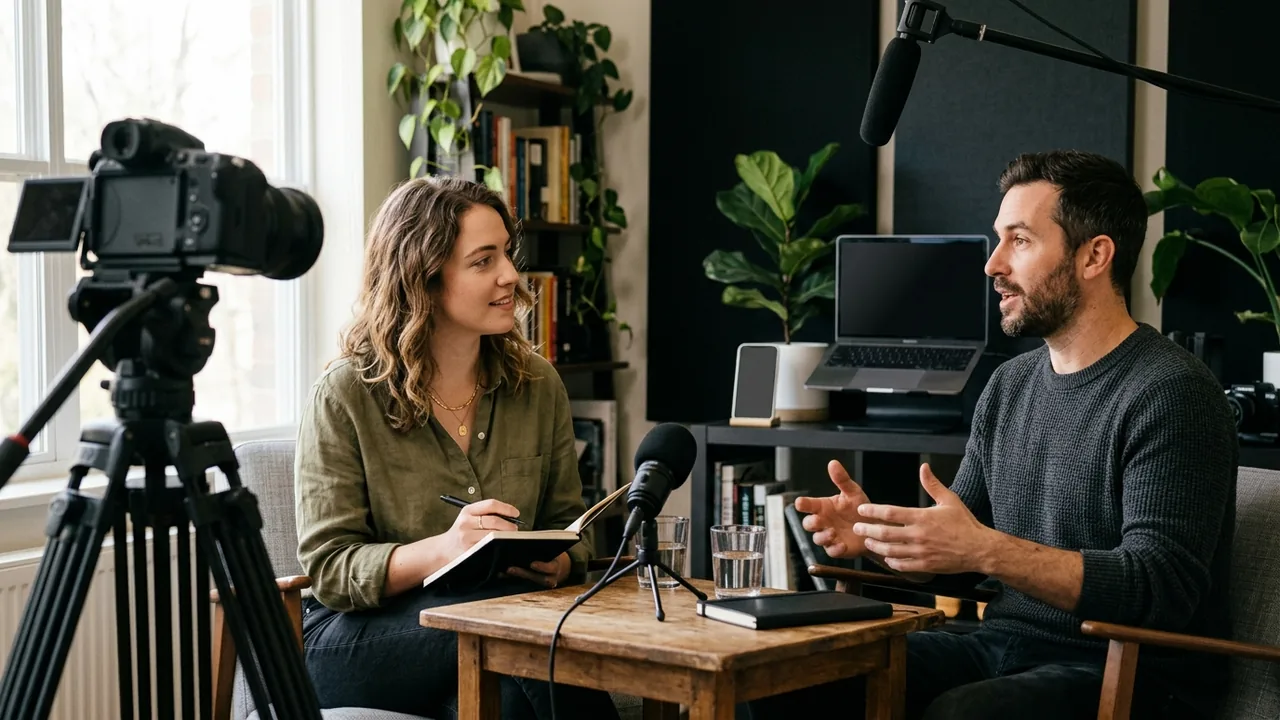
In an interview podcast, the best material belongs to the guest. But it often starts with the host's question. A clip that opens on "Yes, and that's exactly why…" loses every viewer who never heard what was asked.
Clipfox turns a filmed interview into clips built around that structure: a moment that makes sense on its own, cut on complete sentences, framed on the person speaking, with captions burned in.
How Clipfox picks interview moments
The AI listens to the whole episode and looks for passages that stand on their own: a question, a turn, an answer that lands. It cuts on complete sentences, so a clip never starts or ends mid-word.
Each clip comes with a title, a short summary and a score. In our own test on a 14-minute episode with a guest, a public-domain science podcast filmed at a round table, the ten clips came back between 17.5 and 67.6 seconds long, with titles such as How Do You Fly a Helicopter on Mars? The guest's best answers became questions a viewer wants answered.
On screen, when host and guest are too far apart to share a vertical frame, the frame goes to whoever is talking and moves when the other one answers.
Settings that work for interviews
- Allow enough length. A question plus a full answer rarely fits in 30 seconds. Set the maximum clip length to 60 or 90 seconds, or leave it open.
- Choose the goal. Key insights suits an expert guest; Most engaging suits a lively, entertaining conversation.
- Steer with one sentence. The Instructions for the AI field accepts free text: "include the host's question when the answer needs it", or "only the stories about the guest's first company". It guides the selection; it is not a guarantee for every clip.
- Ask for ten. A long interview has more good moments than you will post. Ten clips let you keep the best three or four.
Give the guest something to share
Guests share clips of themselves far more readily than a link to a full episode. On publication day, send them their two or three best clips. Their audience discovers your show through a moment, not through an hour.
Because most people scroll with the sound off, keep the captions on. The words appear on the image, word by word, in the style you choose.
Where the interview was recorded matters
The same interview behaves differently depending on how it was filmed. If host and guest were on a video call, see clips from a remote podcast recording. If they sat at the same table with one wide camera, see two-person podcast clips. For a broader method on interview footage, read how to turn interview footage into social clips.
Try it on your next episode
A free account gives you 30 minutes of source video every month, with episodes up to 60 minutes long and exports in 720p with a small logo. Creator and Pro accept episodes up to 2 hours and remove the logo. If an episode is longer than the minutes you have left, Clipfox offers to process only the beginning. See pricing.